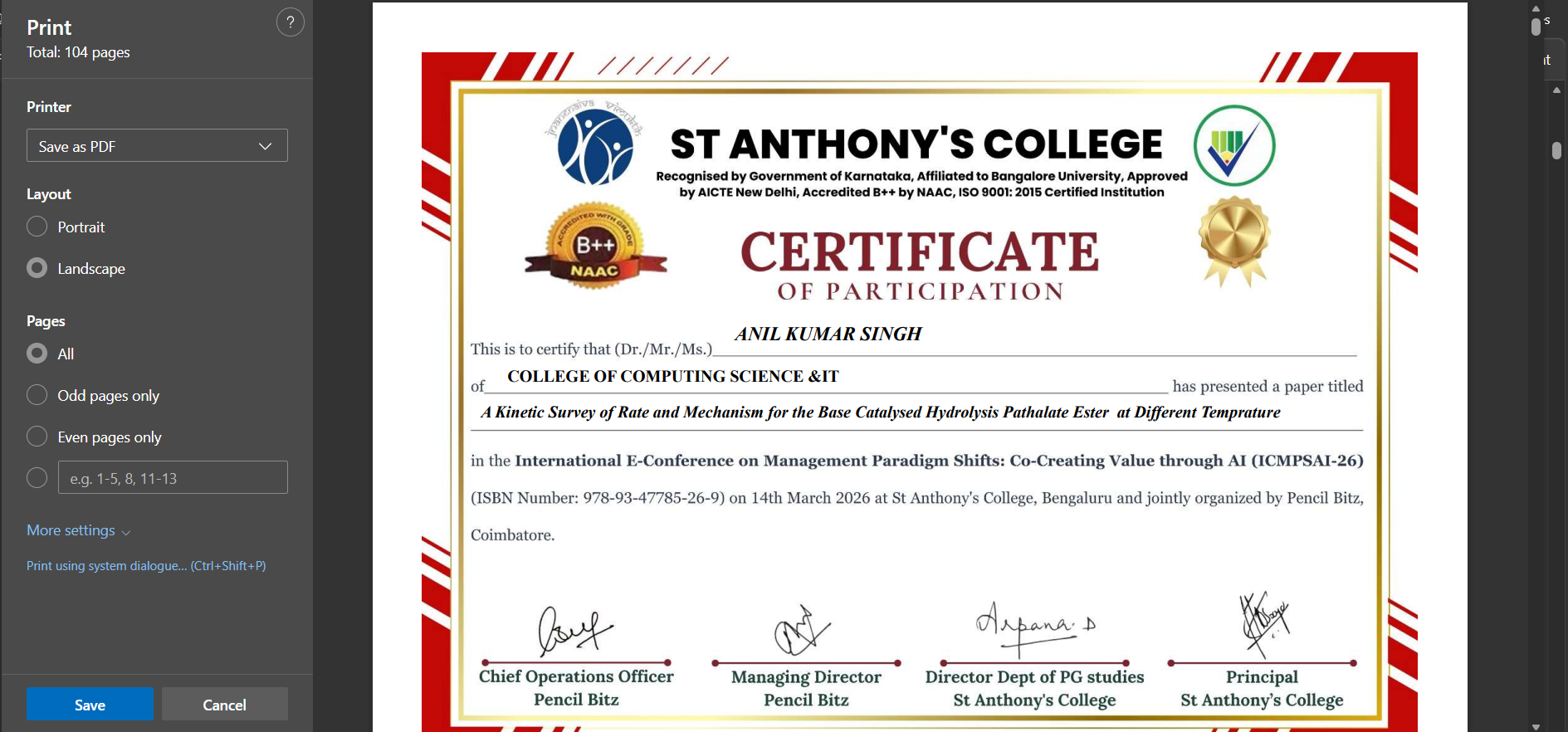
1
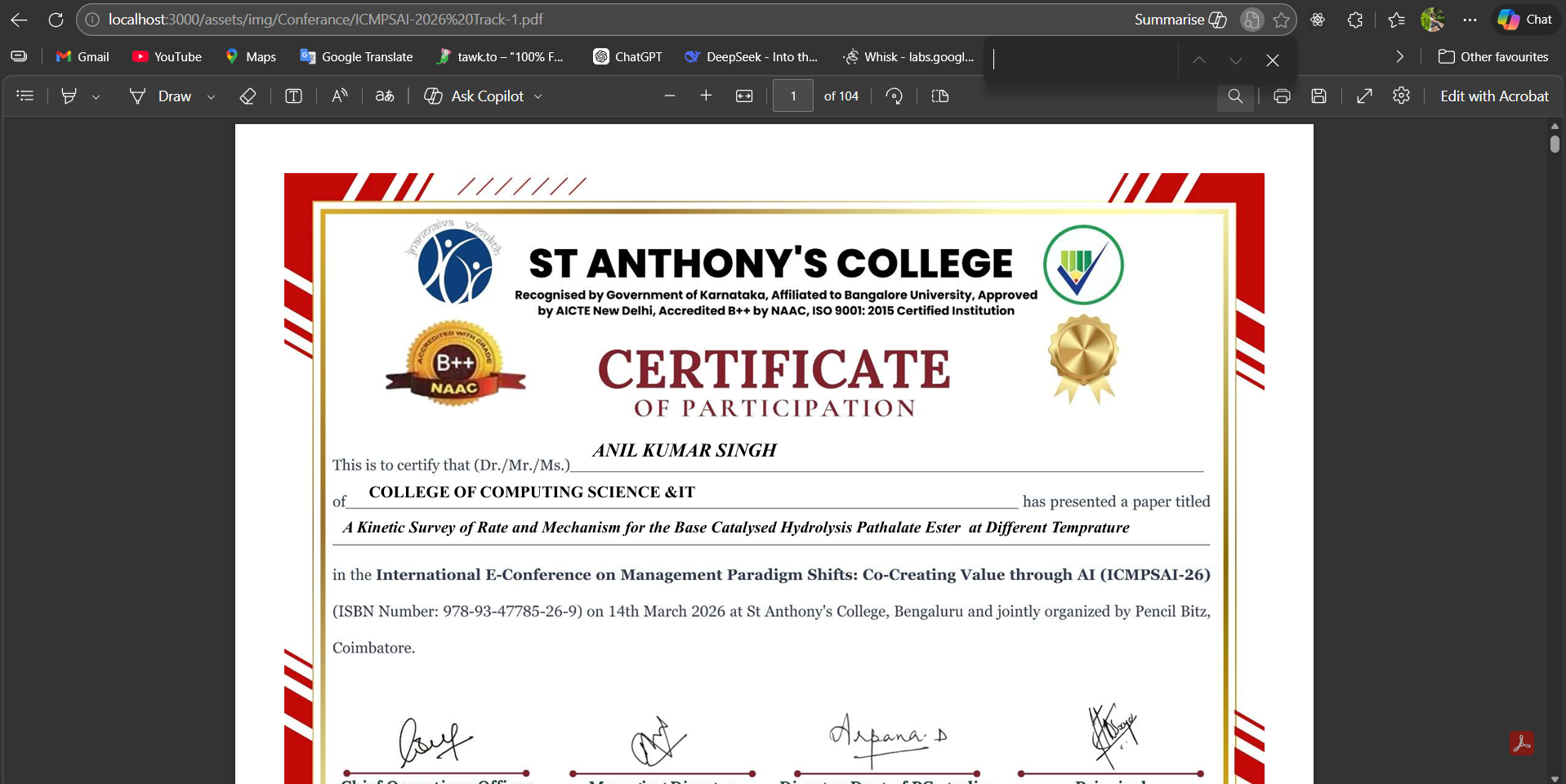
Find the Download Button
Navigate to the conference page and look for the primary download button to initiate the process.

2
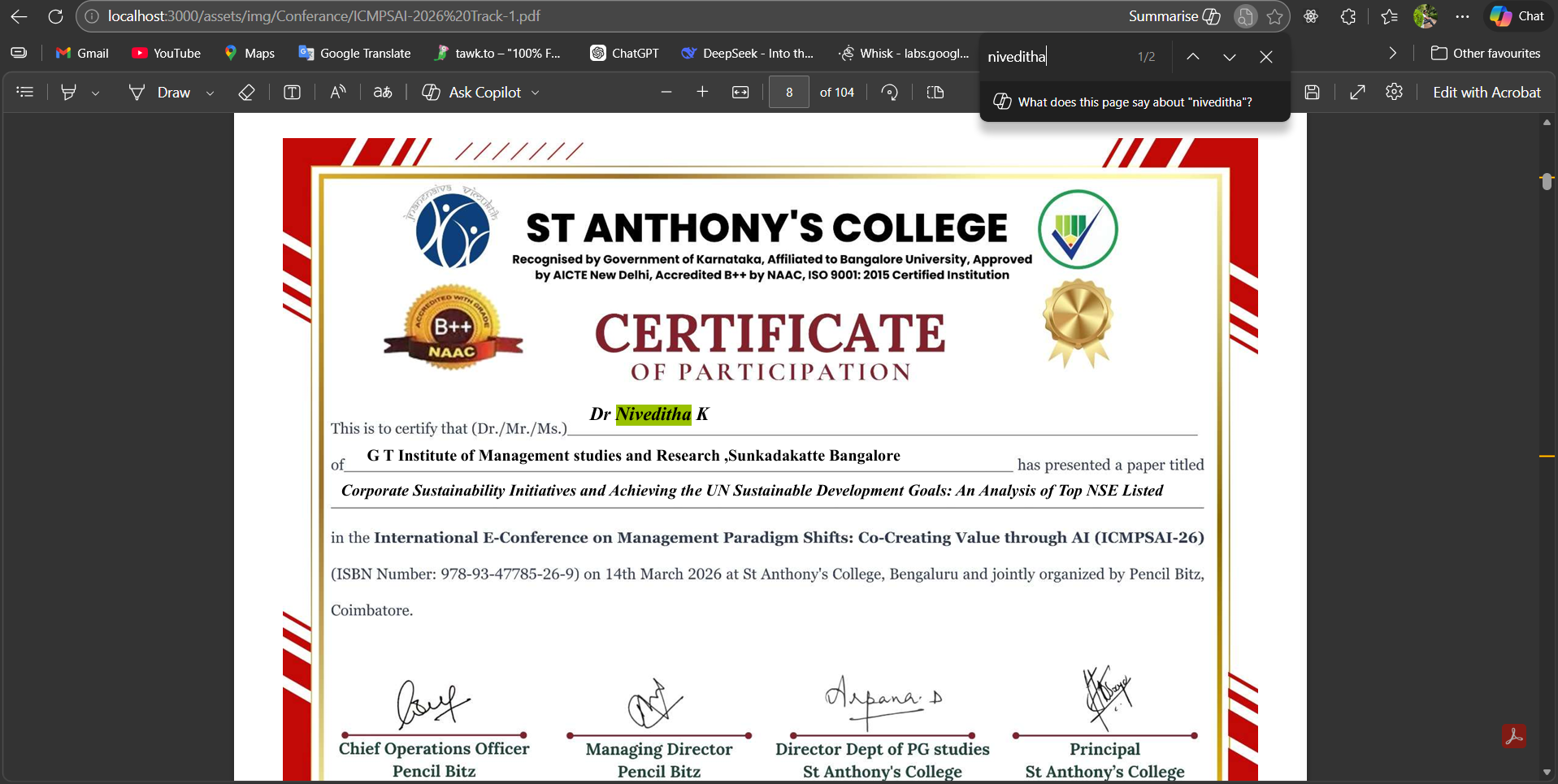
Locate Your Name
Once the file is open, use Ctrl + F (Cmd + F on Mac) to open the search bar. Type your full name to find your specific page.
3
Note Your Page Number
Look at the page number where your name appears. You will need this for the final export.

4
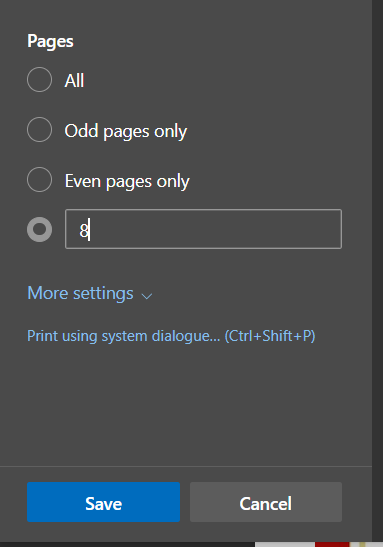
Save Your Certificate
Press Ctrl + P. Change the destination to "Save as PDF". In the "Pages" section, enter your specific number to save only your certificate.